Skip to content
Adam H.

Work

A few things I've built.

Some of it for work, some of it for me.

Interactive HTML5 advertising

07

These run here exactly as they would in a placement, under a made up brand. They are built to show the mechanic rather than a campaign, so there is nothing behind the buttons.

Throw

A slingshot toss with a real projectile behind it. Nothing runs on a timeline: the pull sets a velocity, and gravity and air drag do the rest, so no two throws are the same shape.

Mechanic
Hold, pull back, let go
Built with
HTML, Canvas 2D, JavaScript

The hard part

A target this small in a 300px frame is either impossible or trivial, with almost nothing in between.

Worth knowing

25 KB. No library, no images, no font requests.

Build notes

The first version was unplayable. I could not tell whether that was the physics or the geometry, so instead of guessing I ran every combination of angle and power through the same step function the ball uses and printed which ones went in. Almost none did. The target was not too small: it was too close. The ball had to peak and drop inside about a hundred pixels, which is a window nobody can hit twice.

Moving the ring further out and lower gave the arc room, and the useful band went from a handful of shots to a spread across twenty degrees and six power steps. Then I added the dotted line you aim along, which runs the same integrator as the shot, so what it draws is what happens. That is what makes it fair. You can see the arc land before you let go, so a miss is your call.

The last piece is a gentle sideways pull while the ball is falling, inside a narrow funnel above the rim. Every phone game does this. Without it a near miss feels like the game cheated you rather than the other way round.

Open standalone

Apps

03

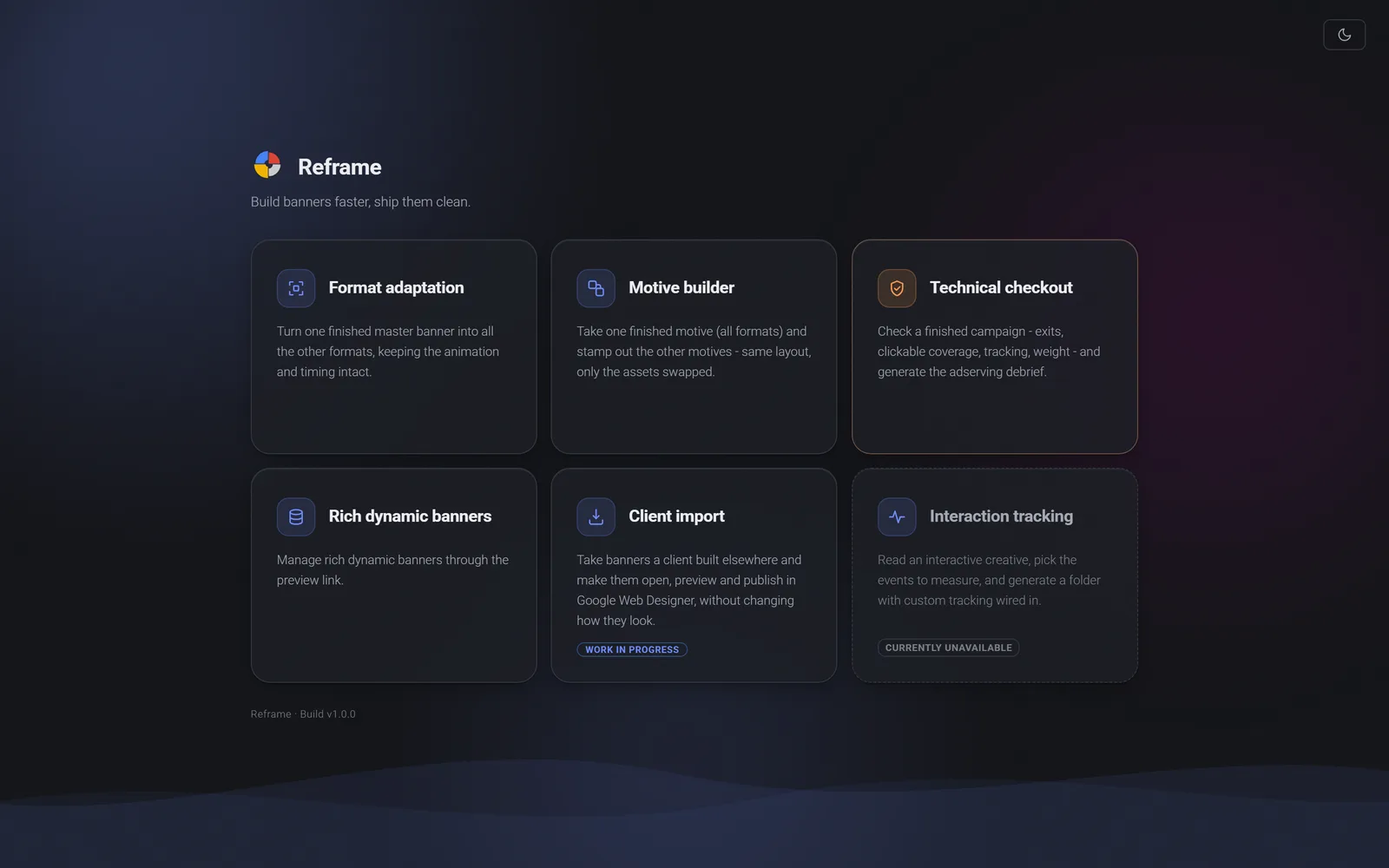
Six tools

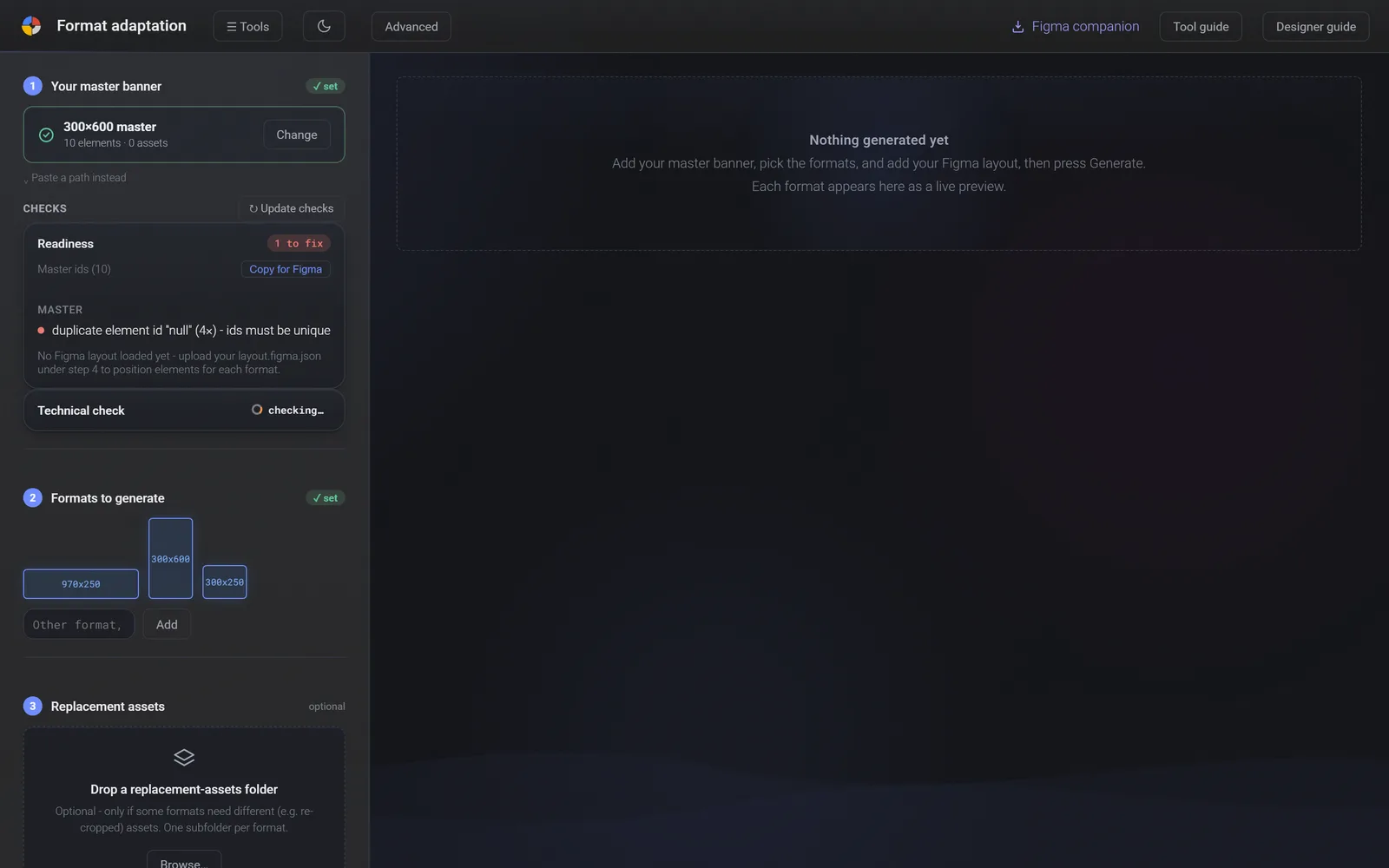
Screens from the app

Desktop app, built for work

Reframe

In use where I work, by the whole team. Not a public product.

A desktop app for the parts of banner work that repeat, built over months without anyone asking for it. It never rebuilds a banner. It copies the finished one and changes only what has to change, so the result behaves exactly like the original.

Why it exists

The expensive mistakes in this work are not the ones you can see. They surface at ad serving, after sign off, and then the campaign rolls back and everyone loses a week. Nobody was looking for a tool to catch them, because nobody had named the problem: the work was slow in a way everyone had stopped noticing. I built one over a few months.

What changed

About half the unnecessary effort in a campaign, gone. Errors that used to surface at ad serving get caught before delivery. It is the toolkit the team works through now.

Build notes

Most of what a designer does on a campaign after the first build is not design. It is the same banner again at another size, the same debrief typed out again, the same fallback screenshots and screen recordings taken by hand for the client. I kept doing those and kept thinking that none of it needed a person.

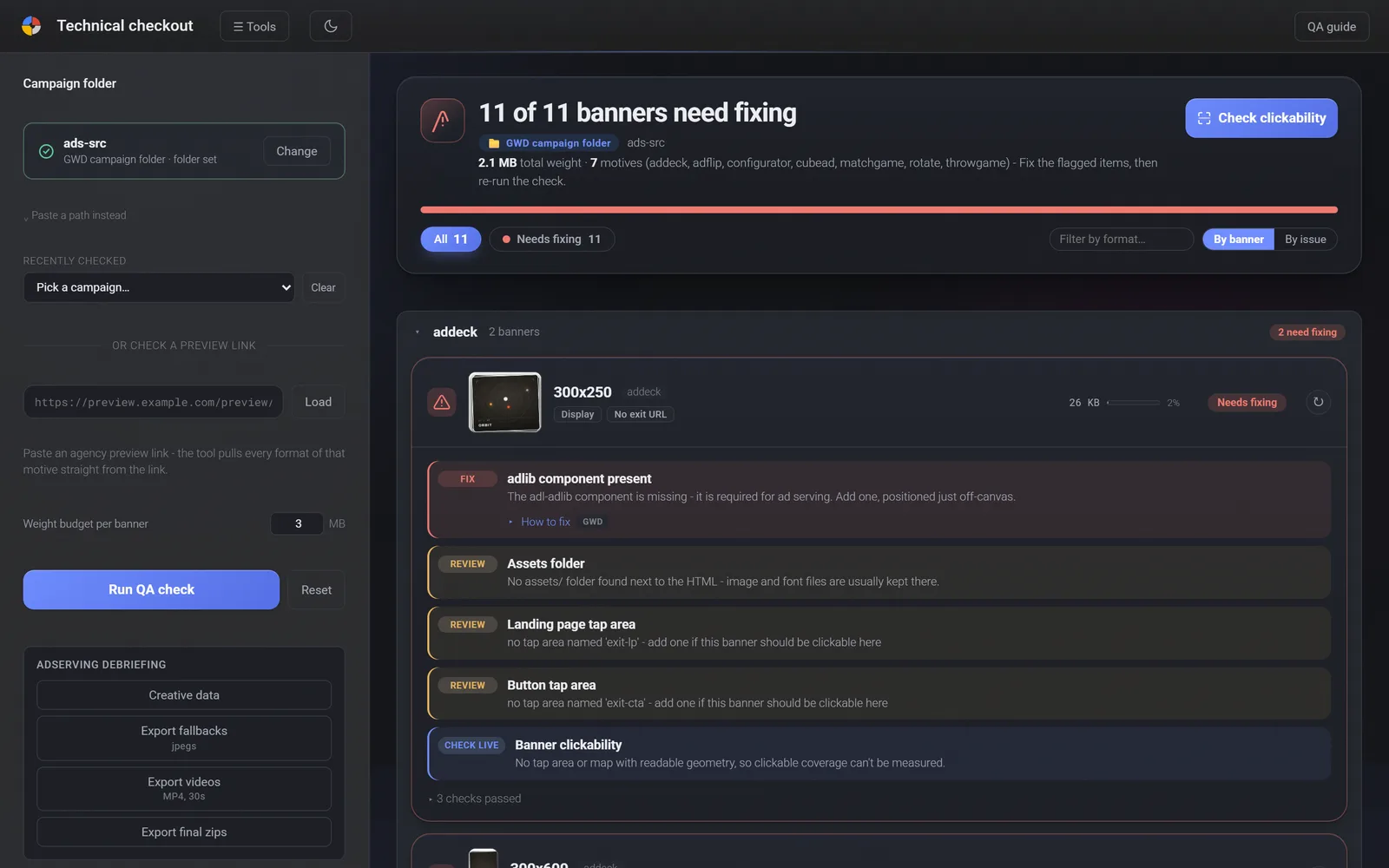
So the app does not rebuild anything. It copies the approved build and changes only what has to change, because a rebuild is where animation drifts and drift is what the checks at the end are for. Then it goes further than a designer normally would: it reads the code and the data inside a finished campaign and pulls out the things that would otherwise be found by the ad server, after sign off, when fixing them means a roll back and a delay.

It is built on data rather than on a model's guess, deliberately. I use AI every day and I think it belongs where a creative brain is still driving. A tool that decides for you is a tool you have to check. A tool that measures for you can have the boring half.

What it does

  • Rebuilds one approved banner in all the other sizes, keeping the animation
  • Stamps out the other versions of a campaign by swapping only the images
  • Reads the code and the data, and finds what ad serving would have found later
  • Writes the creative debrief, which used to be typed out by hand
  • Takes the fallback screenshots and the screen recordings clients ask for
  • Handles the large dynamic banners that used to be a job of their own
  • A Figma plugin exports the layouts it needs
  • Runs offline, with no upload and no account

Built with

  • Electron
  • Node
  • Express
  • sharp
  • ffmpeg
  • Figma plugin
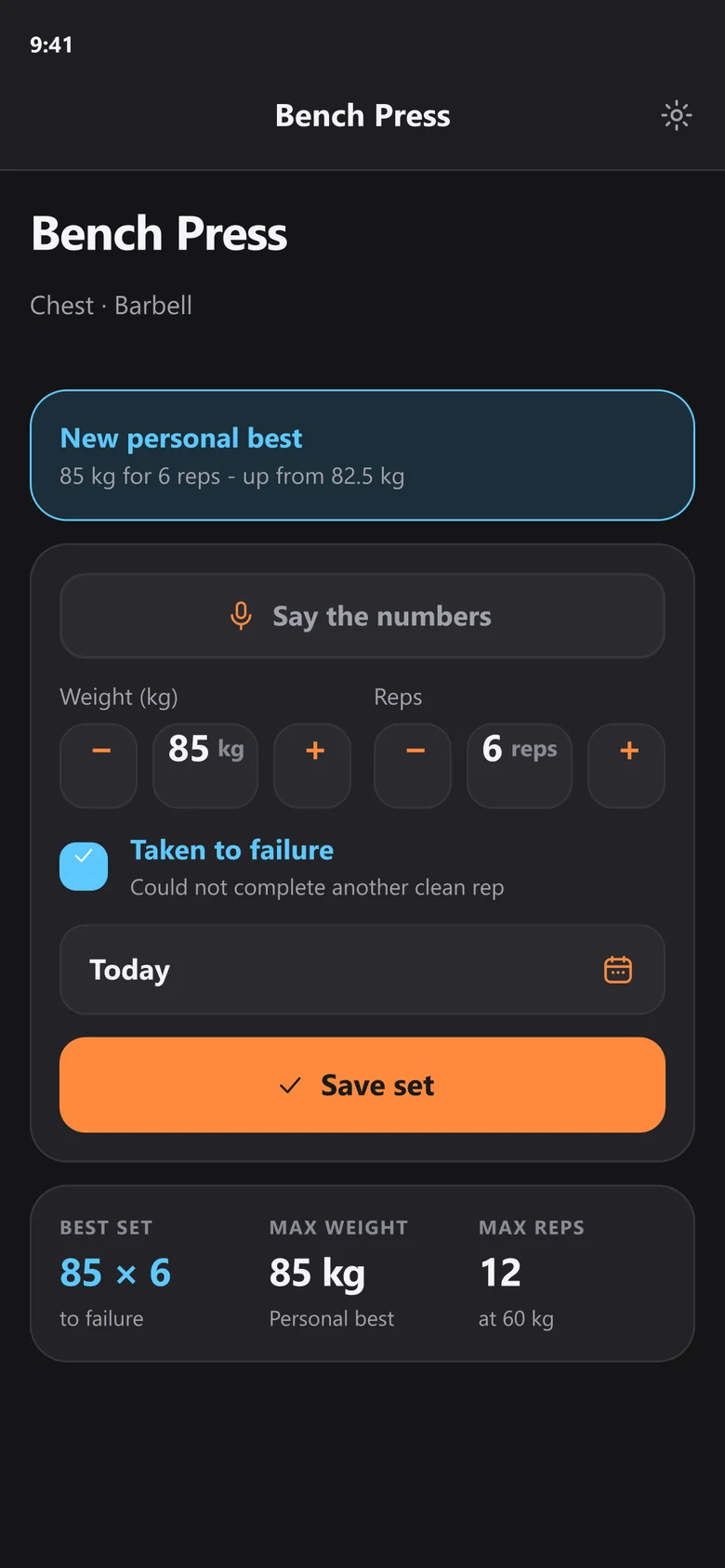
Log a set

Screens, drawn by the app's own Figma plugin

Phone app, personal

ProRep

Personal project. Runs on my own phone.

A gym tracker that works offline. The point was to make logging a set quicker than the rest between them. No account, no server.

Why it exists

Between two sets you have about twenty seconds and one free hand. Everything else follows from that: the numbers are pre-filled from last time, and you can say the set out loud instead of typing it.

What it does

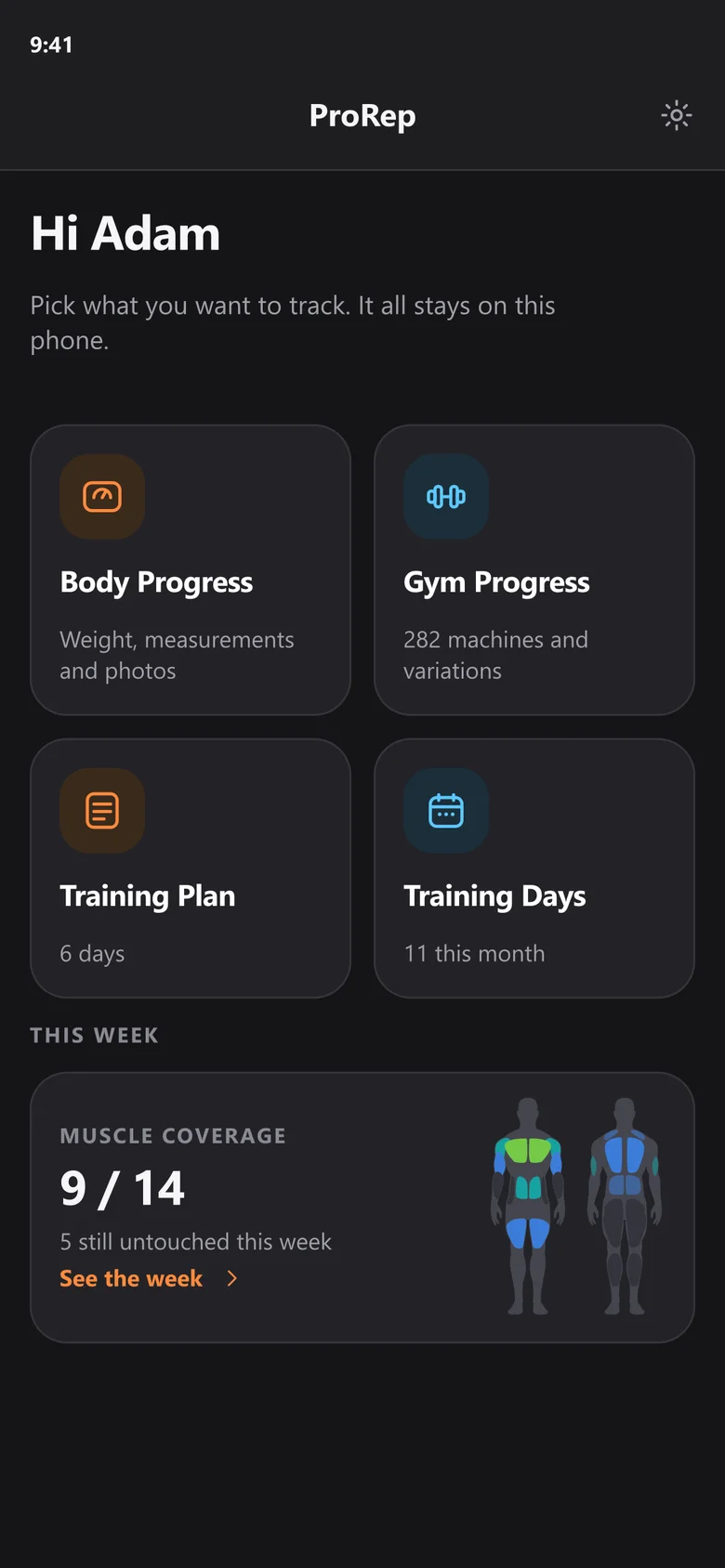
  • 282 machines across 78 exercises, plus any you add yourself
  • Say "80 for 8" and it fills the form, on the phone, in three languages
  • Opens with last session's numbers already in the fields
  • Marks a personal best with a short buzz
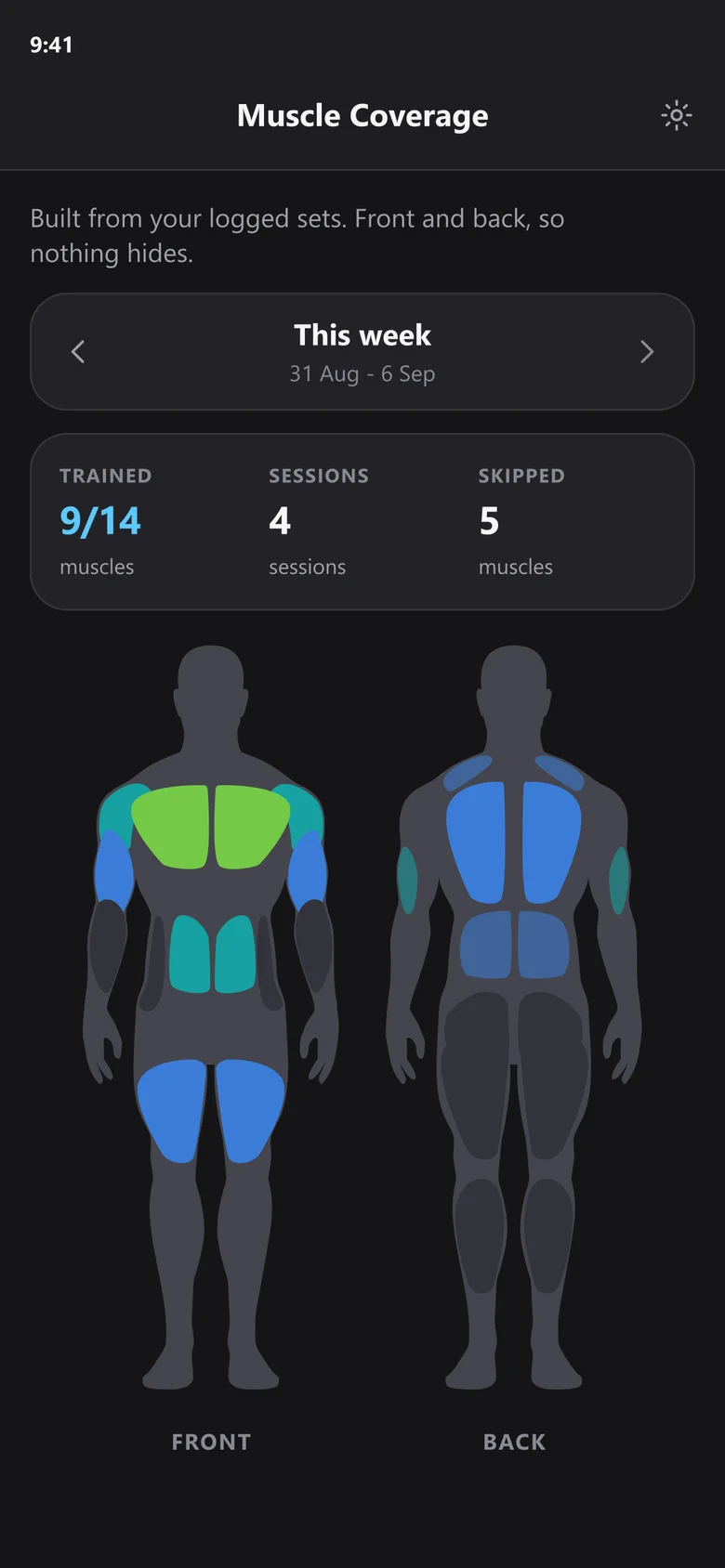
  • Training days come from the log itself, so the two cannot disagree
  • A Figma plugin rebuilds every screen as an editable layout

Built with

  • React Native
  • Expo
  • SQLite
  • Speech recognition
  • Figma plugin
Overview

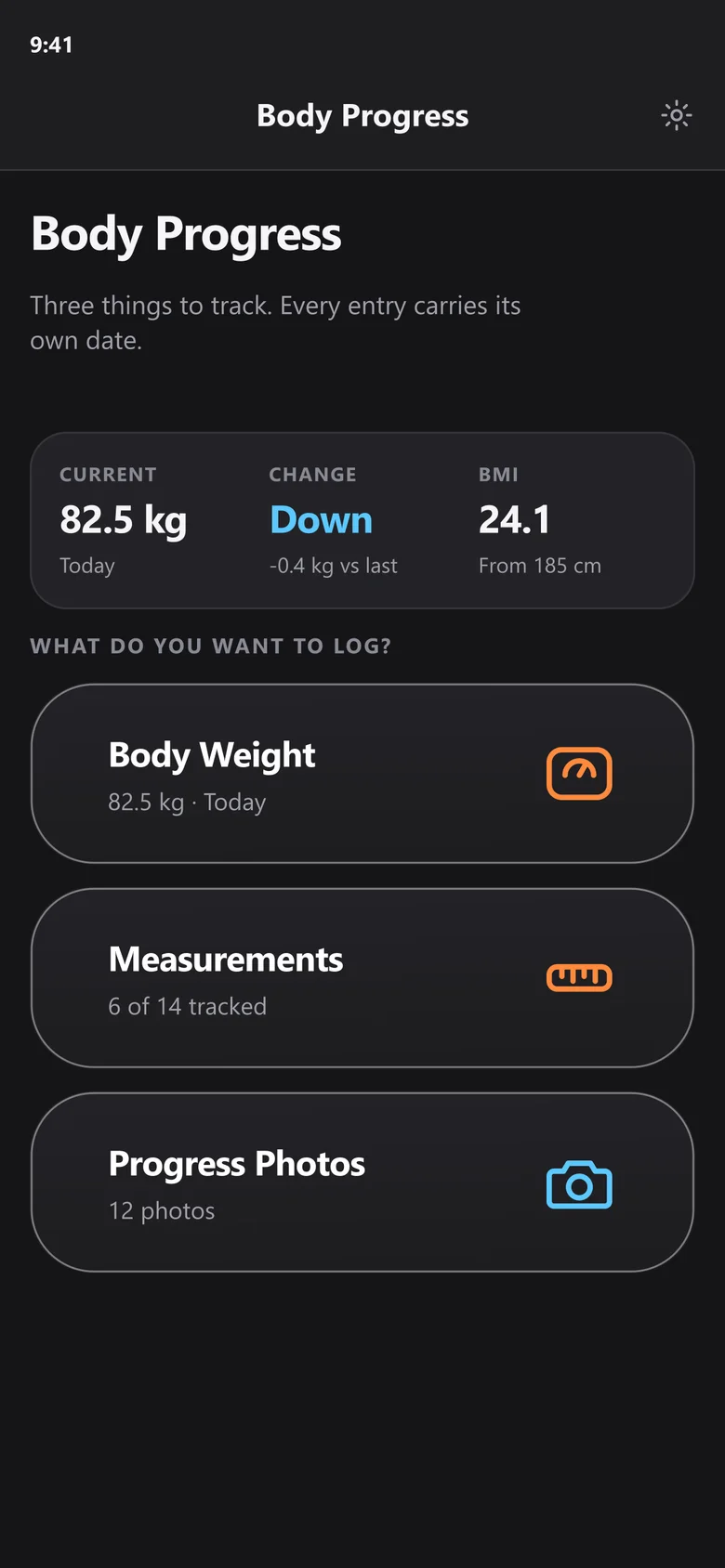
Screens from the app

Web app, personal

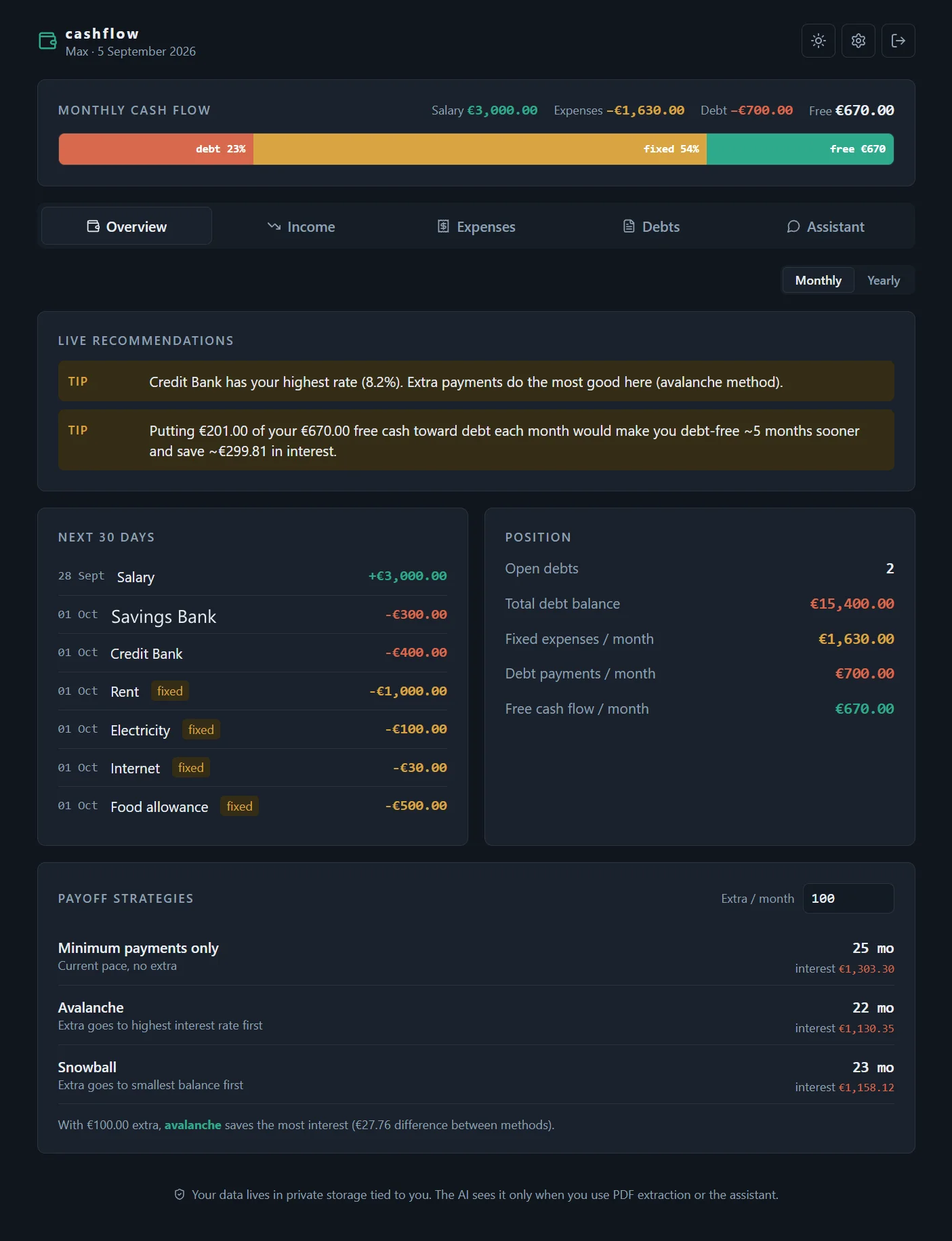
Cashflow

Personal project. Deployed for my own use.

A money dashboard that reads bank statements instead of asking you to type them in. You upload a PDF and it pulls out the rows.

Why it exists

Sending a bank statement to a model means the key and the file both have to stay out of the browser. Both go through one server function that checks the session first, which is the smallest place the trust can sit.

What it does

  • The Anthropic API sits behind a small server function, so the key never reaches the browser
  • You have to be signed in for anything to be read
  • PDF upload, then structured records out
  • Sign in and storage handled by Supabase

Built with

  • React
  • Vite
  • Supabase
  • Vercel Functions
  • Anthropic API